
How to Use a Random Picker Wheel: Complete Step-by-Step Guide
Whether you're a teacher picking students, running a giveaway, or just can't decide where to eat, this guide will show you exactly how to use our random picker wheel effectively.
📖 In This Guide
What is a Random Picker Wheel?
A random picker wheel (also called a spinner wheel, wheel of names, or decision wheel) is a digital tool that randomly selects one item from a list. Unlike flipping a coin or rolling dice, a picker wheel:
- ✓Works with any number of options (not limited to 2 or 6)
- ✓Shows a visual spinning animation that builds excitement
- ✓Provides transparent selection everyone can watch
- ✓Uses cryptographically secure randomization for true fairness
Our Random Picker Wheel is free, works on any device, and requires no signup or download.
Step-by-Step: How to Use the Picker Wheel
Add Your Entries
Start by entering the names, options, or items you want to randomly select from. You can add items one by one or paste a list. Each entry gets its own colorful segment on the wheel.
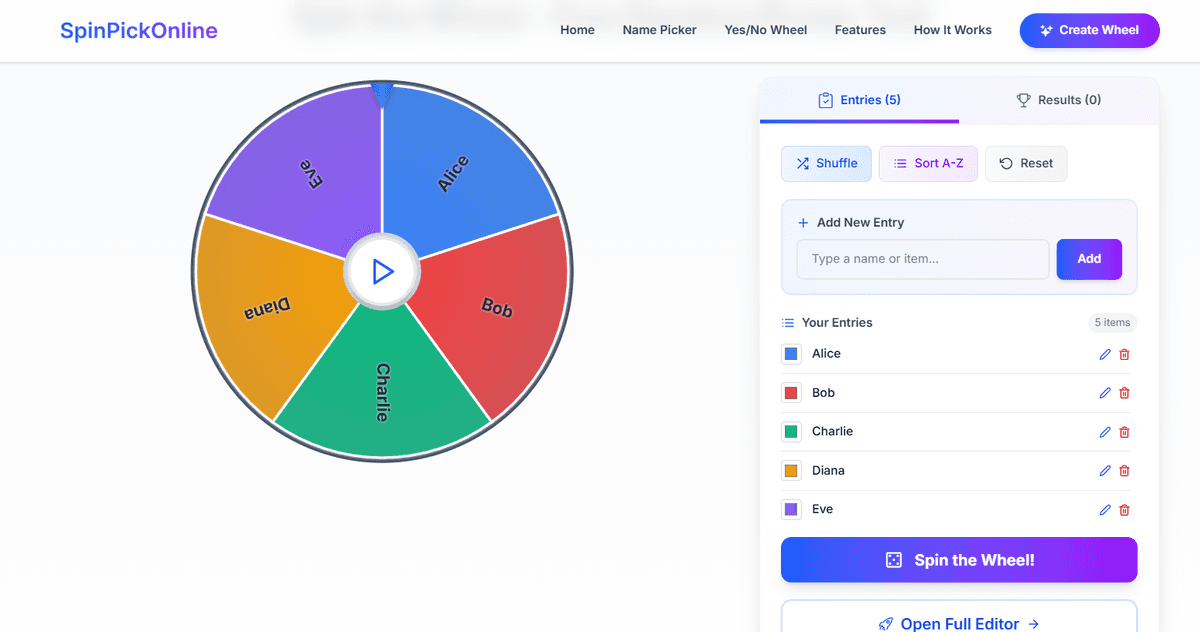
💡 Tip: You can edit or remove any entry by clicking the icons next to it. Use the shuffle button to randomize the order before spinning!
Click Spin
Once your entries are added, click the large "SPIN" button in the center of the wheel. The wheel will spin with realistic physics and gradually slow down to land on a random selection.
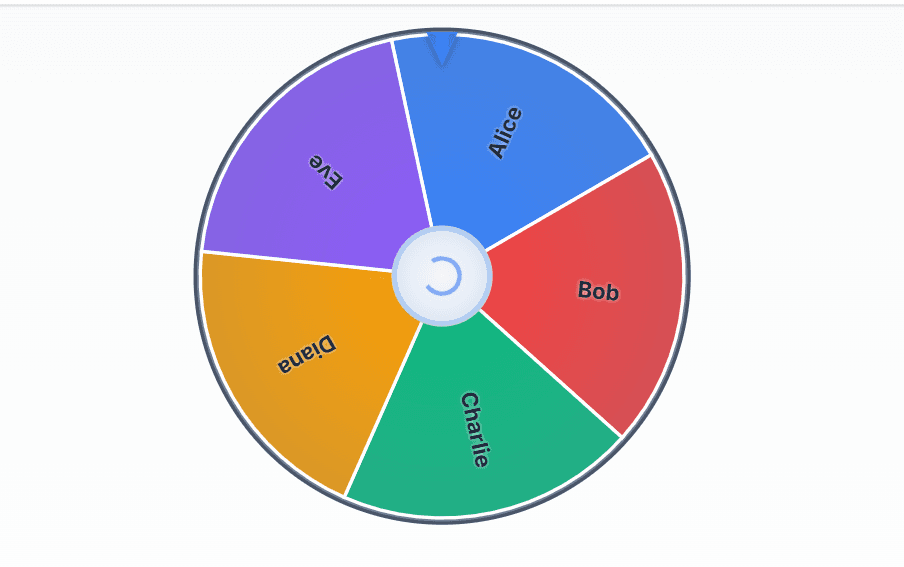
ℹ️ Note: The spinning uses cryptographically secure random number generation (RNG), ensuring each entry has an exactly equal chance of being selected.
Get Your Result
When the wheel stops, a celebration popup shows your randomly selected winner! You can choose to spin again or remove the winner from the wheel for subsequent spins.
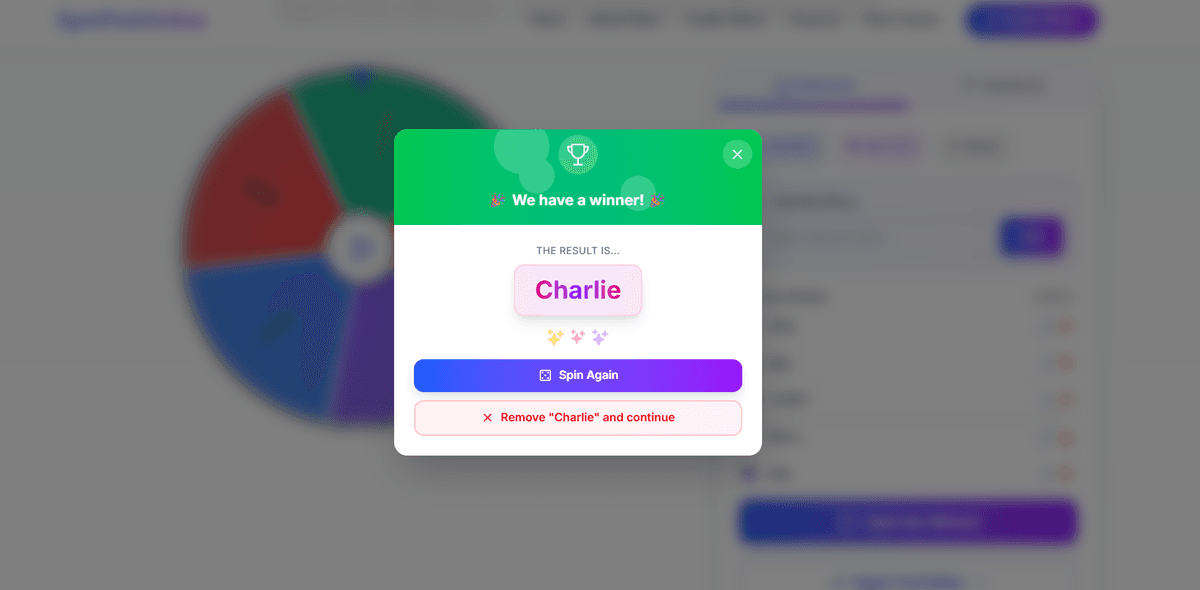
✅ Perfect for: Drawing multiple winners by removing each winner after they're selected, then spinning again for the next prize!
Popular Use Cases for Picker Wheels
🎓 Classroom & Teaching
Teachers use picker wheels to fairly select students for questions, presentations, or group assignments.
Classroom Activities🎁 Giveaways & Contests
Content creators run transparent giveaways on Instagram, YouTube, and TikTok with the wheel.
Giveaway Winner👥 Name Picking
Select random names for raffles, team selection, or deciding who goes first in games.
Name Picker🤔 Decision Making
Can't decide? Add your options and let the wheel break the tie for restaurants, movies, or activities.
Decision WheelPro Tips for Best Results
Frequently Asked Questions
Is the random picker wheel really random?
How many entries can I add to the wheel?
Can I use this for Instagram/YouTube giveaways?
Do I need to create an account?
Can I remove a winner and spin again?
Does it work on mobile phones?
Can I use this for my classroom?
Related Tools & Guides
Ready to Try the Picker Wheel?
Start using our free random picker wheel now. No signup required – just add your entries and spin!
Try the Wheel Now